Auto captions for short videos
nine16 transcribes the speech, cuts the clip, and burns in captions that light up word by word as they're spoken. Choose from seven styles, placed clear of each app's buttons.
No card needed · 1 credit = 1 finished clip
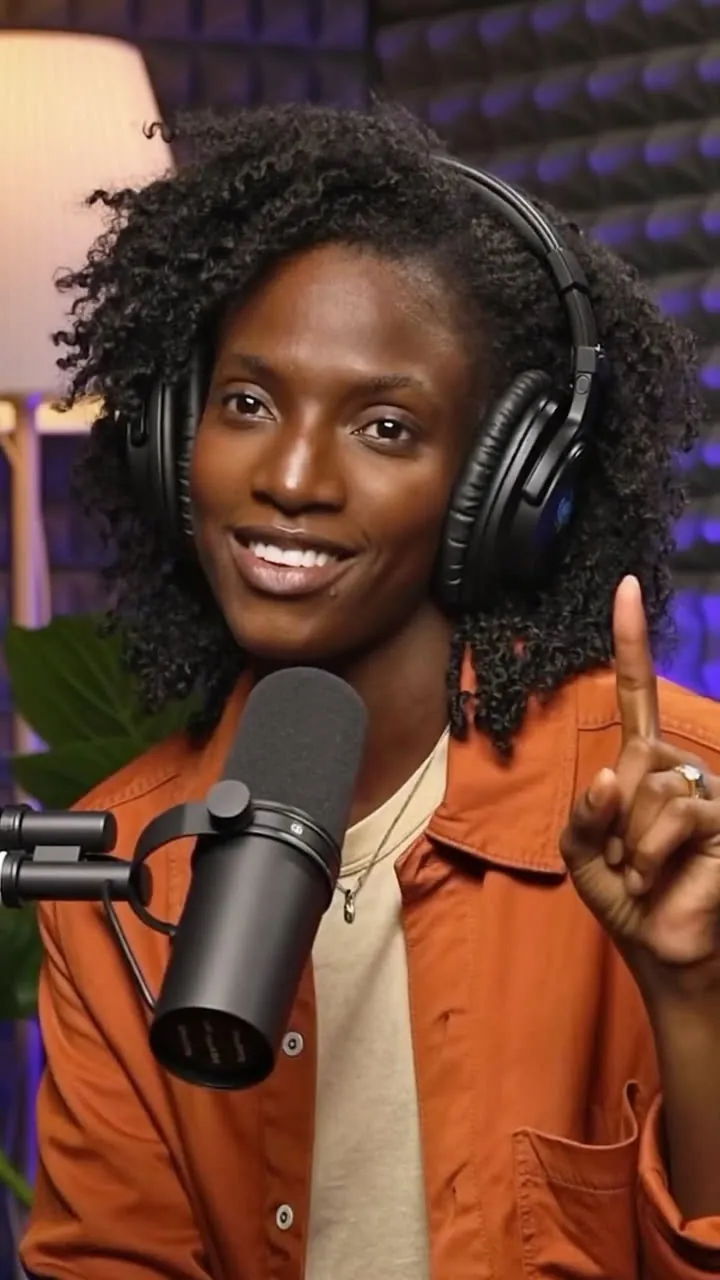
Every word lights up
How auto captions work in nine16
When a YouTube video has captions, nine16 uses them. When it doesn't, or when you upload a file, nine16 transcribes the speech. It times every word, shows a few at a time, and highlights the word being spoken. The captions are burned into the video, so they look the same on every app.
-
1
Add a video
Paste a YouTube link or upload a video file up to 100 MB.
-
2
Choose a caption style
Seven styles, or no captions. Save your choice as the default for next time.
-
3
Download captioned clips
Every clip comes back with its captions already in the video.
Seven caption styles
Each style highlights the word being spoken. Pick one per project.
Bold
Heavy white letters with a black outline. The spoken word turns yellow.
Highlight
Capitals, with a green box behind the word being spoken.
Impact
Tall capitals, two words at a time, with the spoken word in yellow.
Minimal
Clean white text, up to six words at a time, with the other words dimmed.
Comic
Rounded cartoon capitals with a thick outline. The spoken word turns pink.
Neon
Narrow capitals with a cyan glow that turns pink on the spoken word.
Marker
Hand-drawn marker lettering, with the spoken word in yellow.
Start with 5 free clips
1 credit makes 1 finished clip, and re-cuts are free. Plans give you fresh credits every month, and top-up packs never expire.
Questions
Are the captions burned in?
Yes. They're part of the video, so they show the same on TikTok, YouTube Shorts, Instagram and Facebook.
What if my video has no subtitles?
nine16 transcribes the speech for you. YouTube videos that already have captions use those.
Can I turn captions off?
Yes. Choose "No captions" for any project.
Do captions cost extra?
No. Captions come with every clip on every plan, including Free.
Where do the captions sit?
Clear of the buttons and text TikTok, Shorts and Reels lay over your video, so nothing covers them.
More ways to use nine16
Caption your next 5 clips free
Make an account, paste a link, and see what's hiding in your last upload.