Captions here
9:16 vertical
1080 × 1920
Full screen in Reels. The same file works for Facebook Reels, TikTok and YouTube Shorts.

Paste a YouTube link or upload a video. nine16 picks the moments worth posting and hands them back with captions, in 9:16 for Reels or 4:5 and 1:1 for the feed.
No card needed · 1 credit = 1 finished clip
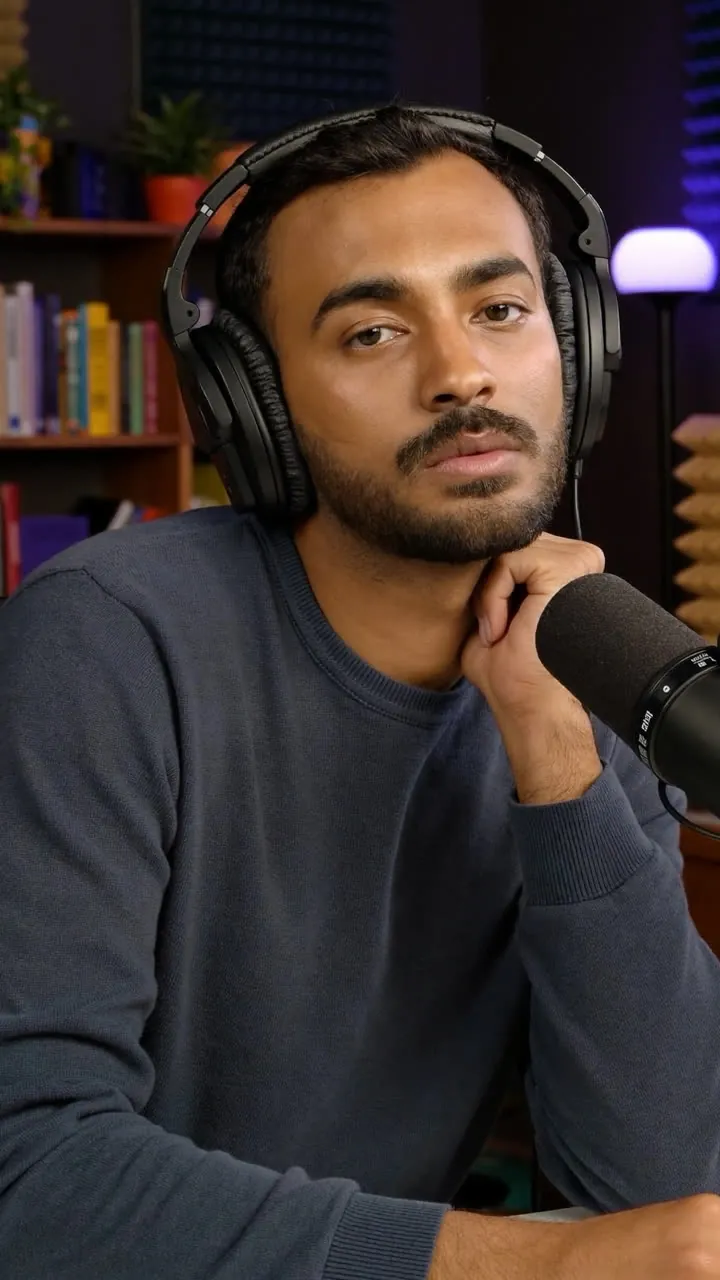
Discounts train people to wait
Paste the video's link into nine16, choose 9:16 for Reels, and say how many clips you want. nine16 finds moments that work without the rest of the video, frames the speaker or the action, adds captions, and writes a description and hashtags for each Reel.
Any public YouTube video, or a video file up to 100 MB.
9:16 for Reels, 4:5 for the feed, 1:1 for square posts, or the video's original shape.
Download, paste the description and hashtags, and post. The same 9:16 file works on Facebook Reels too.
Choose a shape per project. Captions are placed clear of the buttons and text Instagram lays over your video.
1080 × 1920
Full screen in Reels. The same file works for Facebook Reels, TikTok and YouTube Shorts.
1080 × 1350
The tallest shape Instagram and Facebook feeds show without cropping.
1080 × 1080
For feed posts, carousels, and anywhere a square looks tidier.
Everything you need to post, in one download.
Each word lights up as it's spoken. Choose from seven styles, or switch captions off.
Hook, flow, value and trend, each scored out of 100, so you post your strongest Reel first.
Written for that clip, ready to paste into Instagram.
The crop follows whoever is talking, or the ball in sport, and shows the whole frame when a shot is too wide.
1 credit makes 1 finished clip, and re-cuts are free. Plans give you fresh credits every month, and top-up packs never expire.
9:16. If you're posting to the feed instead, use 4:5: it's the tallest shape the feed shows without cropping.
Yes. A 9:16 clip works on Facebook Reels as it is, and 4:5 suits Facebook's feed.
No. nine16 places captions clear of the buttons and text Reels lays over your video.
Yes. Move the start or end by a few seconds and render it again. Re-cuts are free.
Yes. Only clip videos you own or have permission to use and repost.
Make an account, paste a link, and see what's hiding in your last upload.