
GTA 6 clipping: turn gameplay into viral shorts
Paste a GTA 6 gameplay video's YouTube link. nine16 finds the chases, heists, stunts and fails, follows the action in a vertical frame, and hands back captioned clips ready for TikTok, YouTube Shorts and Instagram Reels.
No card needed · 1 credit = 1 finished clip

We are not losing these cops

How to clip GTA 6 gameplay
A two hour session has a handful of moments worth posting. nine16 goes through the whole video for you, so GTA 6 clipping takes minutes instead of an evening of scrubbing.
-
1
Add your gameplay
A YouTube link or a video file up to 100 MB. Videos up to 30 minutes on Free, 90 on Creator and 3 hours on Pro.
-
2
Say what to look for
Leave it empty and nine16 picks the best moments, or ask in a few words: police chases, funniest fails, the heist.
-
3
Post the clips
Clips come back ranked by score, framed and captioned, with a title, description and hashtags.
Wide gameplay, cut for a phone
GTA 6 is played in widescreen and watched on phones. nine16 crops each moment to 9:16 and keeps the frame on the action.

Two choppers, one magazine
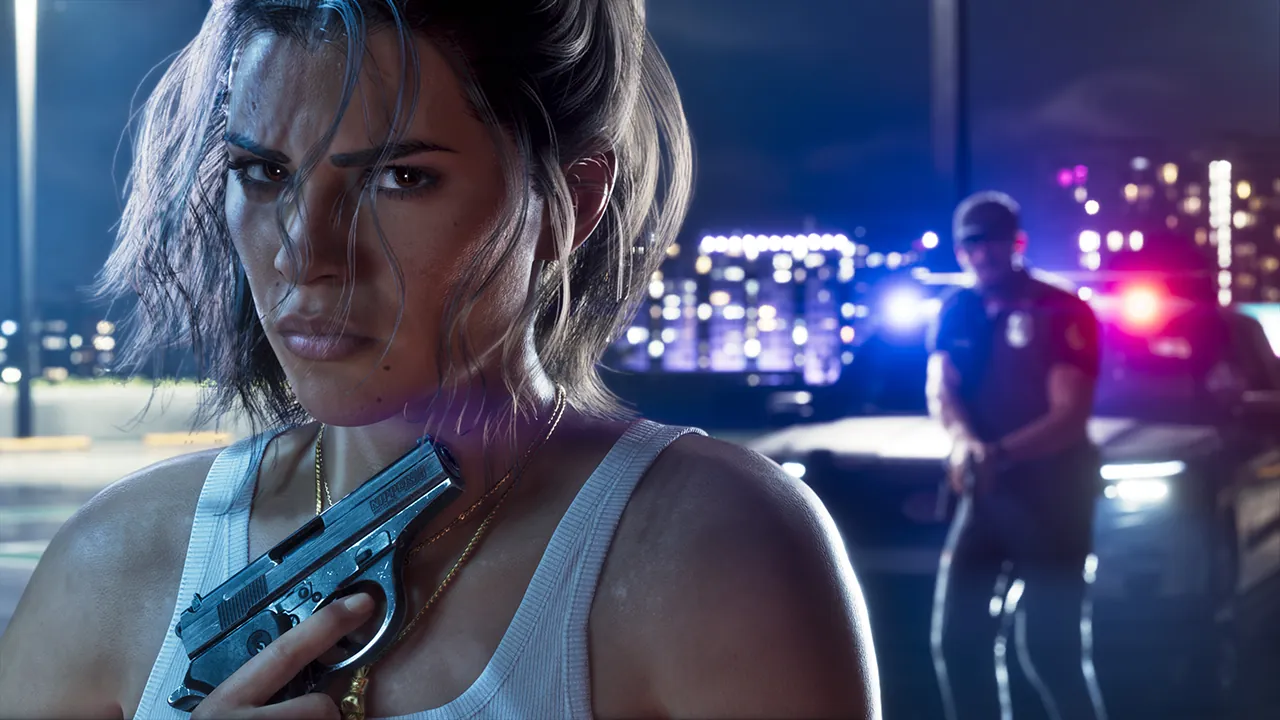
He has no idea I'm here
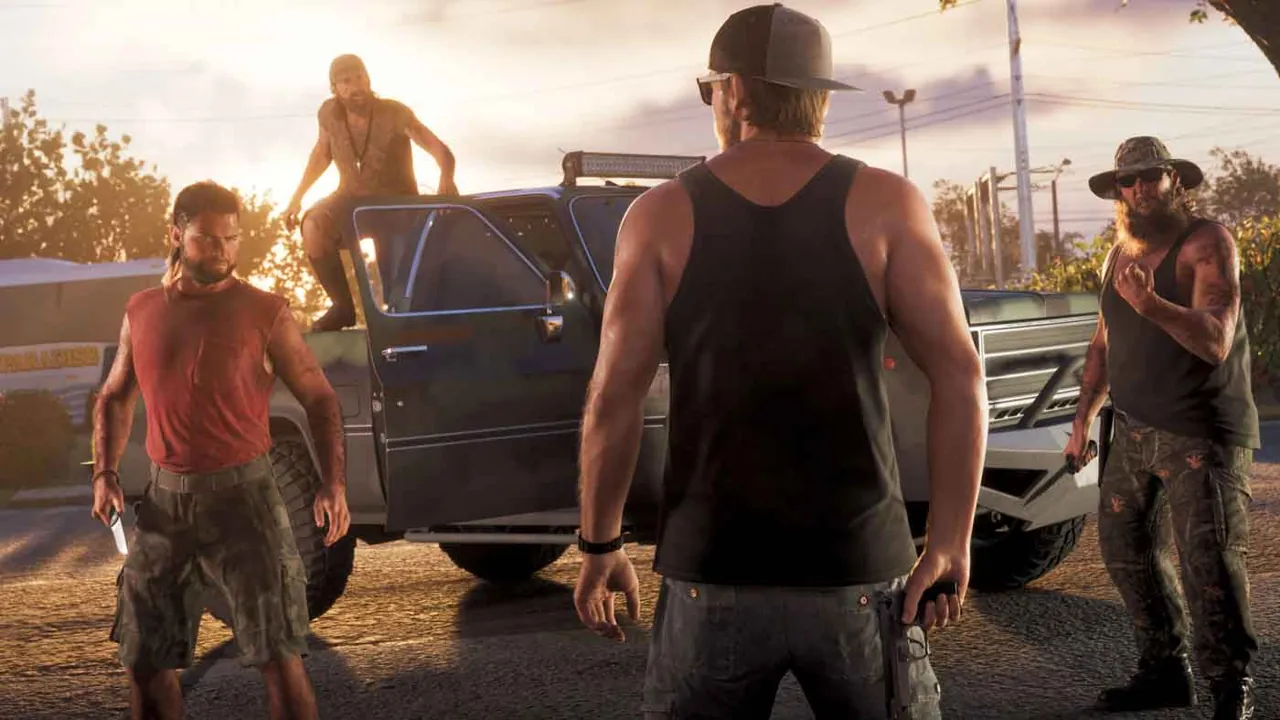
This went wrong fast
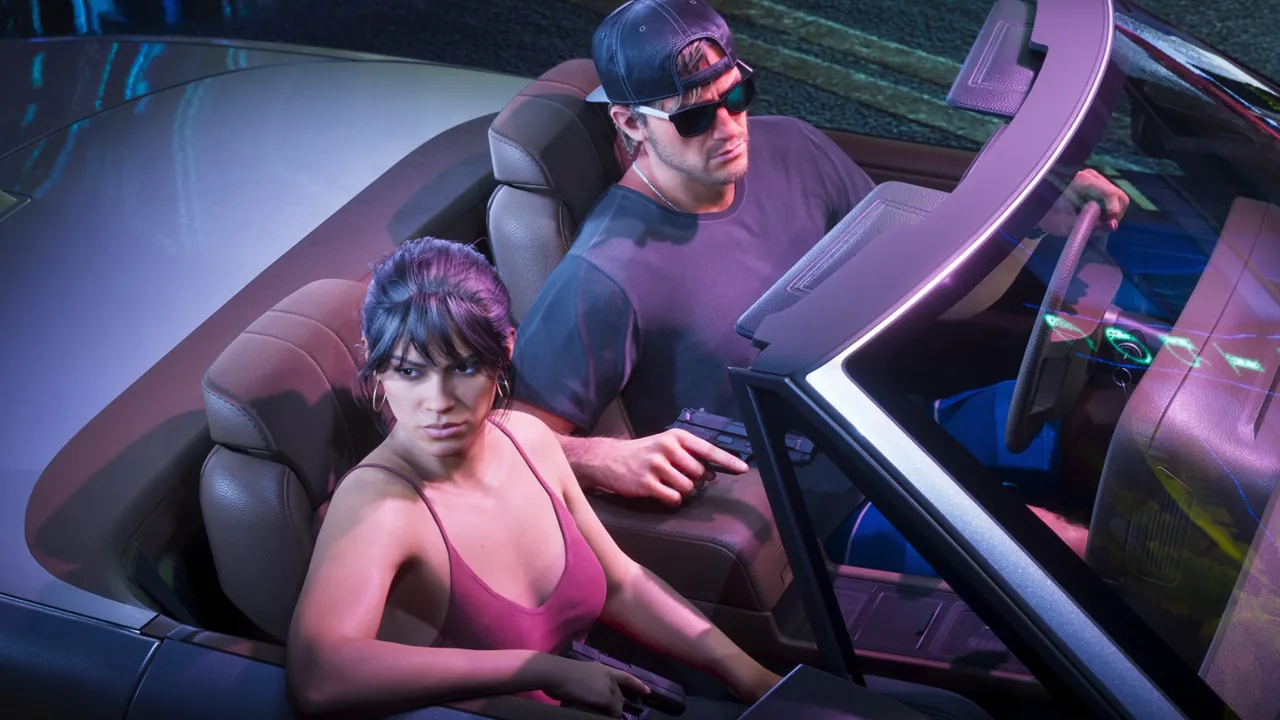
Drive. Now.
Built for gameplay clips
Gameplay isn't a podcast. The best moment is often something that happens, not something that's said.
Watches when nobody's talking
With too little commentary to read, nine16 watches the video itself to find the moments worth clipping.
Follows the action
The vertical frame moves with what's happening, and shows the whole picture when the scene is too wide to crop.
Ends on the payoff
Clips run through to the crash, the escape or the punchline and the first reaction, not just the build-up.
Captions your commentary
Word-by-word captions in seven styles, burned into the clip. Switch them off for any project.
Ranks every clip
Each clip is scored out of 100 for hook, flow, value and trend, so you know which one to post first.
Clips your whole channel
On Creator and Pro, paste your YouTube channel link and clip its latest videos with the same settings.

Tell it what to hunt for
Type a few words when you start a project and nine16 looks for those moments in your GTA 6 video.
- Police chases
- Heists and getaways
- Funniest fails
- Stunts and jumps
- Story moments
- Best reactions
Start with 5 free clips
1 credit makes 1 finished clip, and re-cuts are free. Plans give you fresh credits every month, and top-up packs never expire.
GTA 6 clipping questions
What is GTA 6 clipping?
GTA 6 clipping is cutting long GTA 6 gameplay videos into short vertical clips for TikTok, YouTube Shorts and Instagram Reels. nine16 finds the moments, frames them for a phone and adds captions, so you don't have to scrub through hours of footage.
Can I post GTA 6 gameplay clips?
Clip your own gameplay, or videos you have permission to use and repost. Rockstar Games sets the rules for sharing footage of its games, so read its current video policy before you post or earn money from clips. Don't clip another creator's video without their permission.
Does it work if I don't talk over my gameplay?
Yes. When there is too little speech to read, nine16 watches the video itself to find the moments. Commentary helps it pick, and gives the captions something to show.
How long can a GTA 6 video be?
Up to 30 minutes on Free, 90 minutes on Creator and 3 hours on Pro. Uploaded files can be up to 100 MB.
Can I clip a Twitch stream?
nine16 takes a public YouTube link or an uploaded video file up to 100 MB. For a Twitch stream, use the copy on your YouTube channel, or upload a highlight as a file.
Can I clip every GTA 6 video on my channel?
Yes, on the Creator and Pro plans. Paste your YouTube channel link, choose from its latest videos (up to 5 at a time on Creator, 10 on Pro), and each one is clipped with the same settings.
Which shapes can I make?
9:16 for TikTok, Shorts and Reels, 4:5 for Instagram and Facebook feeds, 1:1 for square posts, or the video's original shape.
More ways to use nine16
Your first 5 GTA 6 clips are free
Make an account, paste a link, and see what's hiding in your last session.